
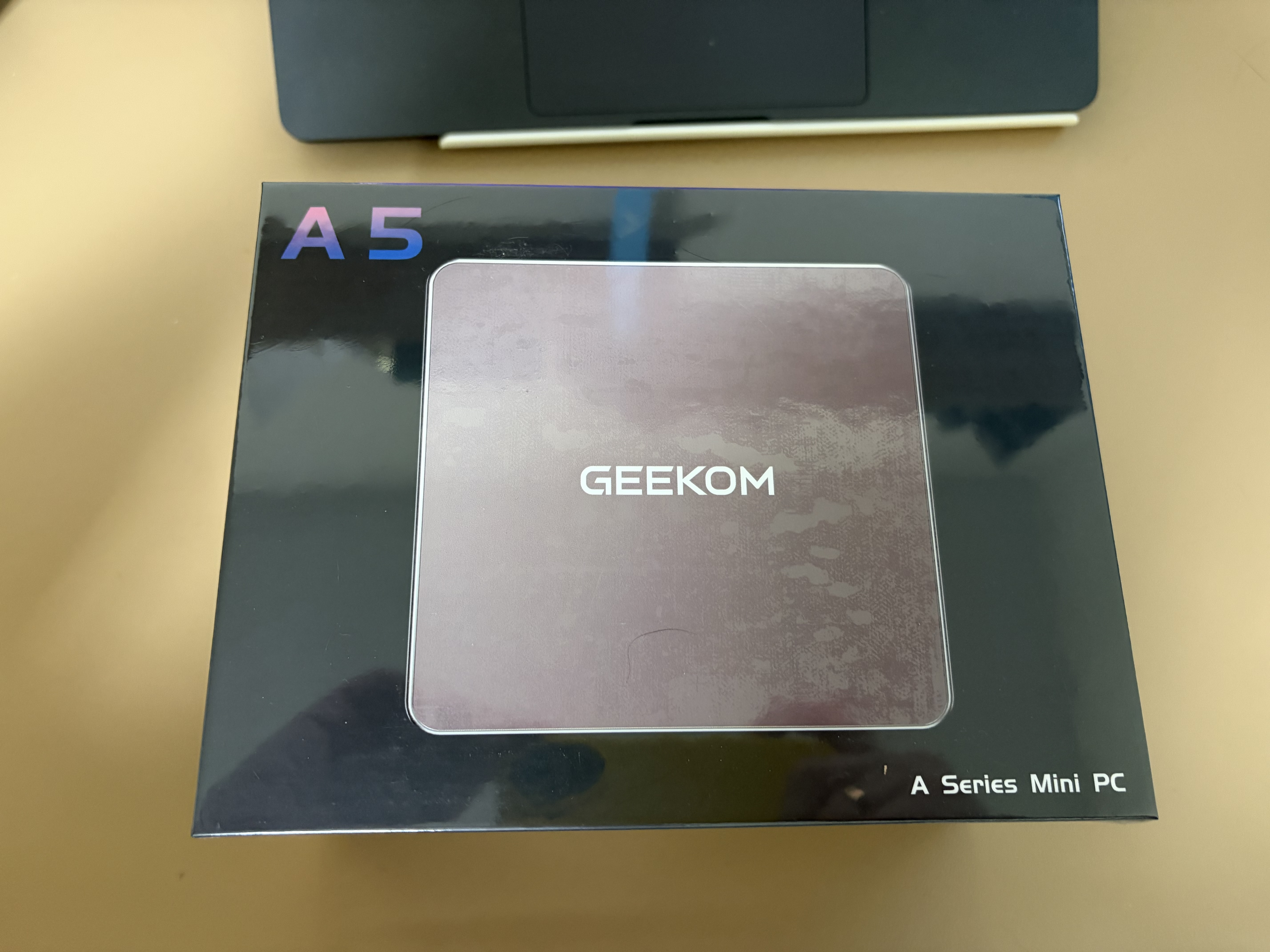
The story of how I got rid of a bulky server under the desk and found a solution that works quietly, efficiently, and reliably. If you’re also tired of noise, excess hardware, and compromises — this story might be useful.
How It Started
Until recently I had a full-fledged server at home. On paper it looked impressive: powerful platform, lots of ports, NVMe support, ability to run VMs. Seemed like the ideal solution for a home NAS and hosting services.
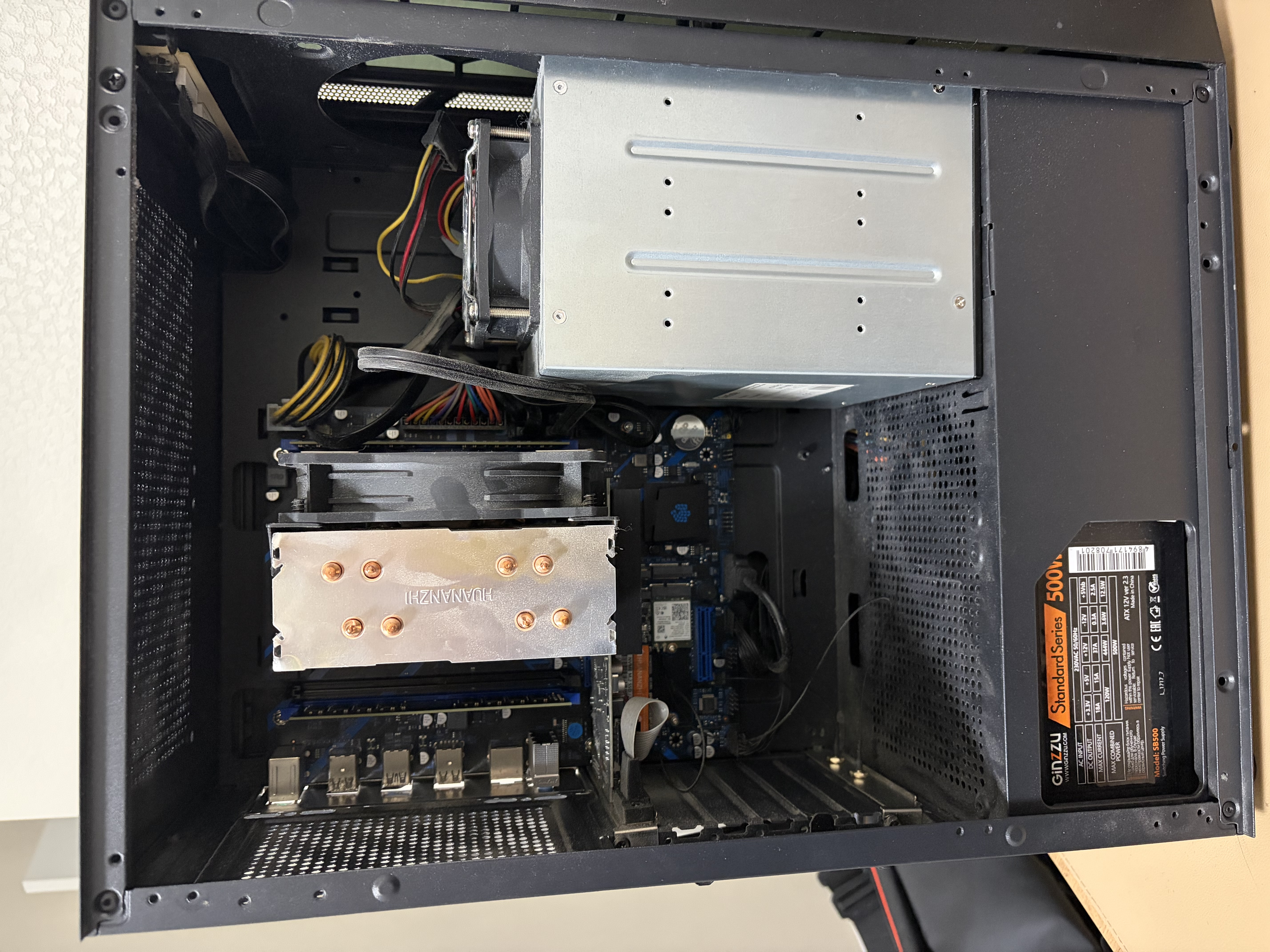
The heart of the system was the HUANANZHI X99 BD4 motherboard on LGA2011-3 socket — a Chinese replica of a server platform. It ran an Intel Xeon E5-2680 v4 — a fourteen-core monster with 28 threads. RAM was assembled from different modules: 16 GB as two 8 GB sticks and another 32 GB as two 16 GB sticks, totaling 48 GB DDR4. The system ran on a fast 256 GB NVMe drive, with an A04 cooler for cooling.
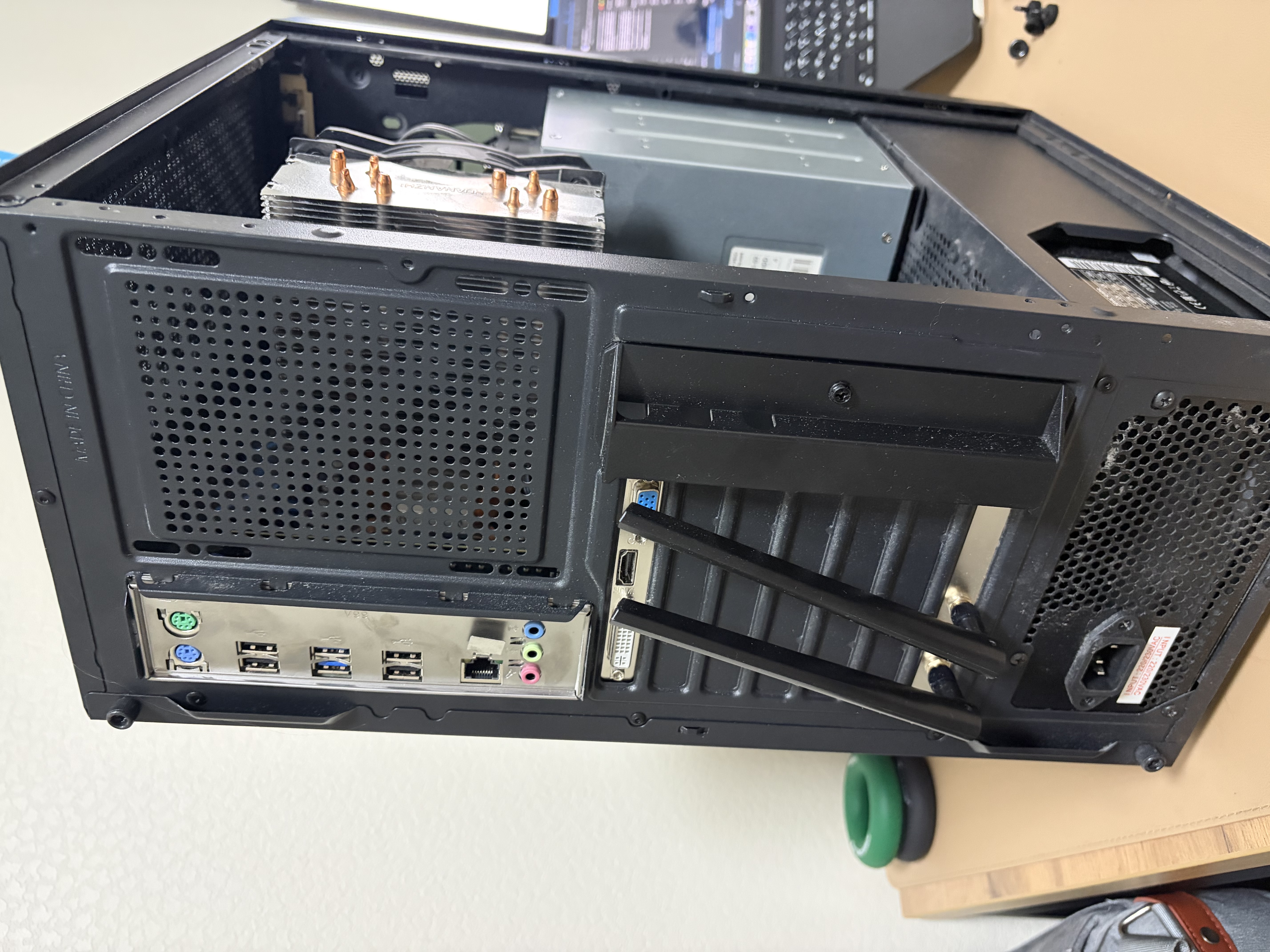
All this was in a Ginzzu CL150 case with tempered glass — looked impressive but took up a lot of space. Power came from a Ginzzu SB500 500W PSU. For networking — Intel AX210 Desktop Kit with Wi-Fi 6. A GeForce GT 730 2 GB was needed for video output since the server CPU has no integrated graphics. For storage — ExeGate HS435-02 drive cage for four hard drives.
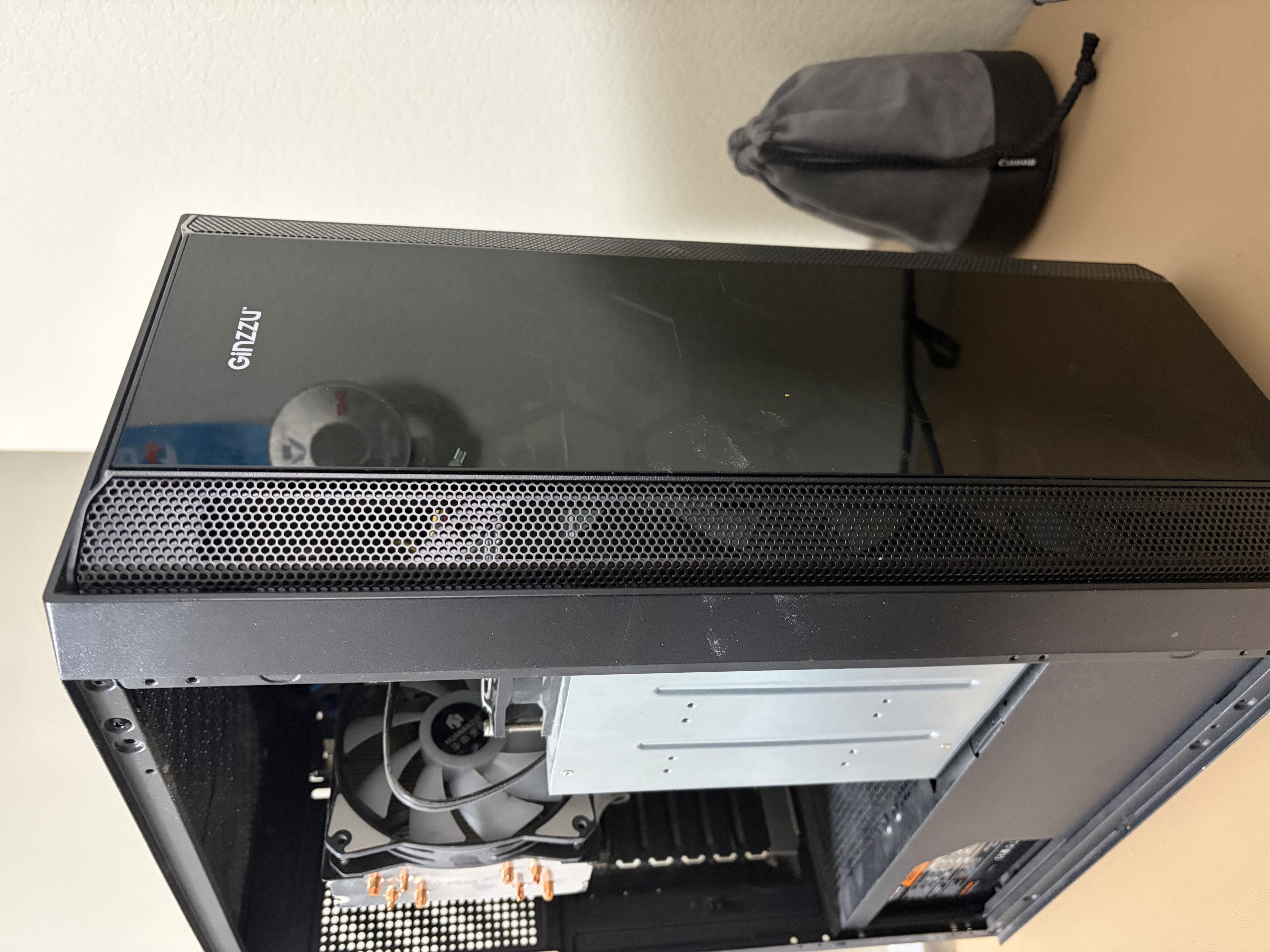
On paper the config looked serious. Six SATA ports for drives, four USB 3.0, quad-channel memory support, M.2 slot for fast storage. In theory this allowed building a powerful home server for VMs, file storage, and various services.
But reality was different.
First Warning Signs
The first thing that started bothering me was noise. Even with relatively quiet fans, the server constantly reminded me of itself with a monotonous hum. It didn’t scream, but its presence was always felt. Especially at night when I wanted silence.
Then I started noticing the electricity bill. The platform running 24/7 consumed quite a bit. And it heated up. Even in winter the room with the server felt warmer than the rest.
But the main problem was elsewhere — in the software.
Experience with XPEnology: When Pretty Doesn’t Mean Reliable
Initially I ran XPEnology on the server — an unofficial build of Synology firmware. The interface was familiar and convenient, everything looked like real Synology, just without paying for the hardware. Sounded great.
In practice, problems started. System updates were forbidden — any update could break everything. Small bugs constantly appeared that had to be fixed manually. Drives periodically “dropped” for no apparent reason. XPEnology would stop seeing them, and I had to reboot hoping everything would return after restart.
At some point I realized: this setup doesn’t deliver what it was all for — reliability. When you have a home server, you want it to just work. No surprises, no workarounds, no constant attention.
The Turning Point
That’s when I decided: enough. Need something different. Not a huge iron monster that demands attention, but something simple, quiet, and stable.
I started looking for alternatives and came across the GEEKOM A5 mini PC. Size-wise — a box that fits in your palm. Specs-wise — a serious device with an AMD Ryzen processor.
And it hit me: what if I use the mini PC as the head node and put the drives in a separate device? Thus was born the idea of GEEKOM A5 + external DAS (Direct Attached Storage).
The New Solution
When the GEEKOM A5 arrived, the first thing I noticed was silence. After the constant server hum, this box ran almost silently. Yes, there’s a fan, but you barely hear it. That was the first plus.
The second plus appeared after a month — the electricity bill became noticeably lower. The mini PC consumes far less power than a server platform running 24/7.
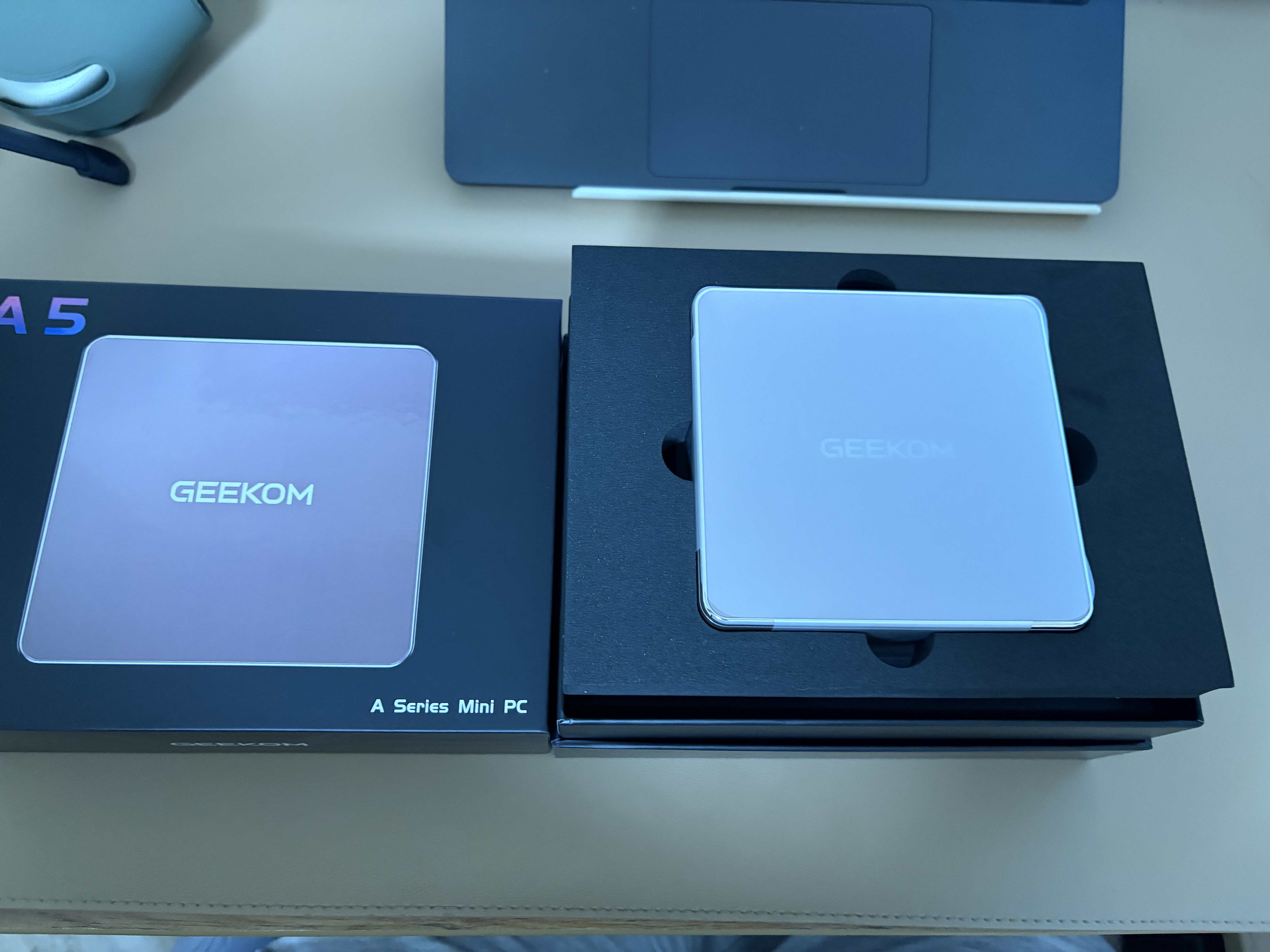
The third plus — compactness. Instead of a large case under the desk, now there’s a neat box on the shelf that’s easy to overlook.
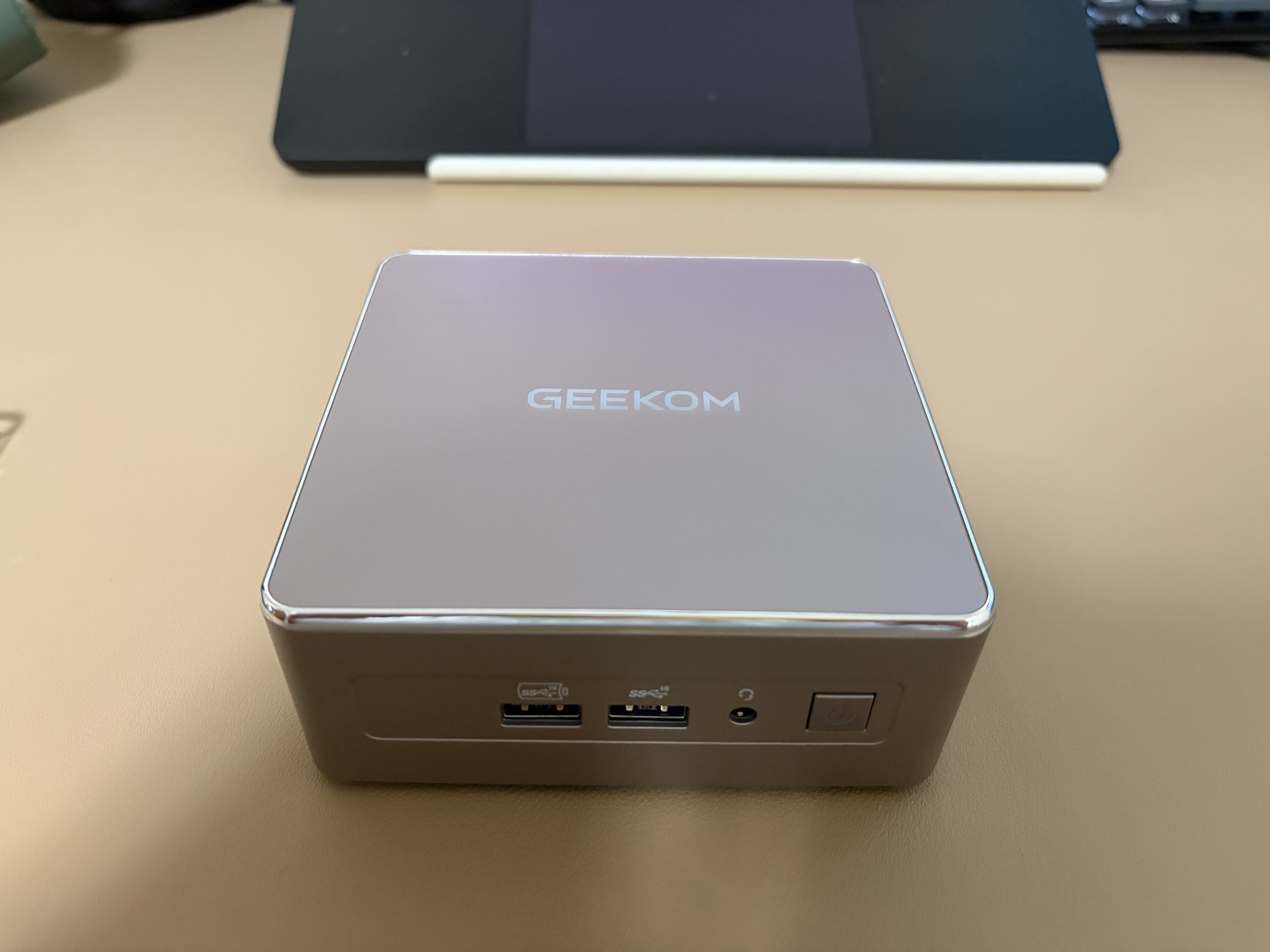
First Impressions
The first days I was watching. Is everything stable? Will there be performance issues? Can it handle the tasks I assigned?
Turned out it can. The system boots fast thanks to the NVMe drive. Docker containers start without issues. File storage connected via DAS works steadily. No more glitches and drive “dropouts” like with XPEnology.
After a week I’d forgotten there was a server under the desk. The new solution just worked. No extra attention, no problems.
What Changed
Sometimes less is indeed more. Instead of a bulky, power-hungry server I got:
- Quiet system — can forget about constant humming
- Stable operation — no unexpected failures and “dropouts”
- Fewer workarounds — no need to work around bugs and find workarounds
- More control — understand what’s happening and how it works
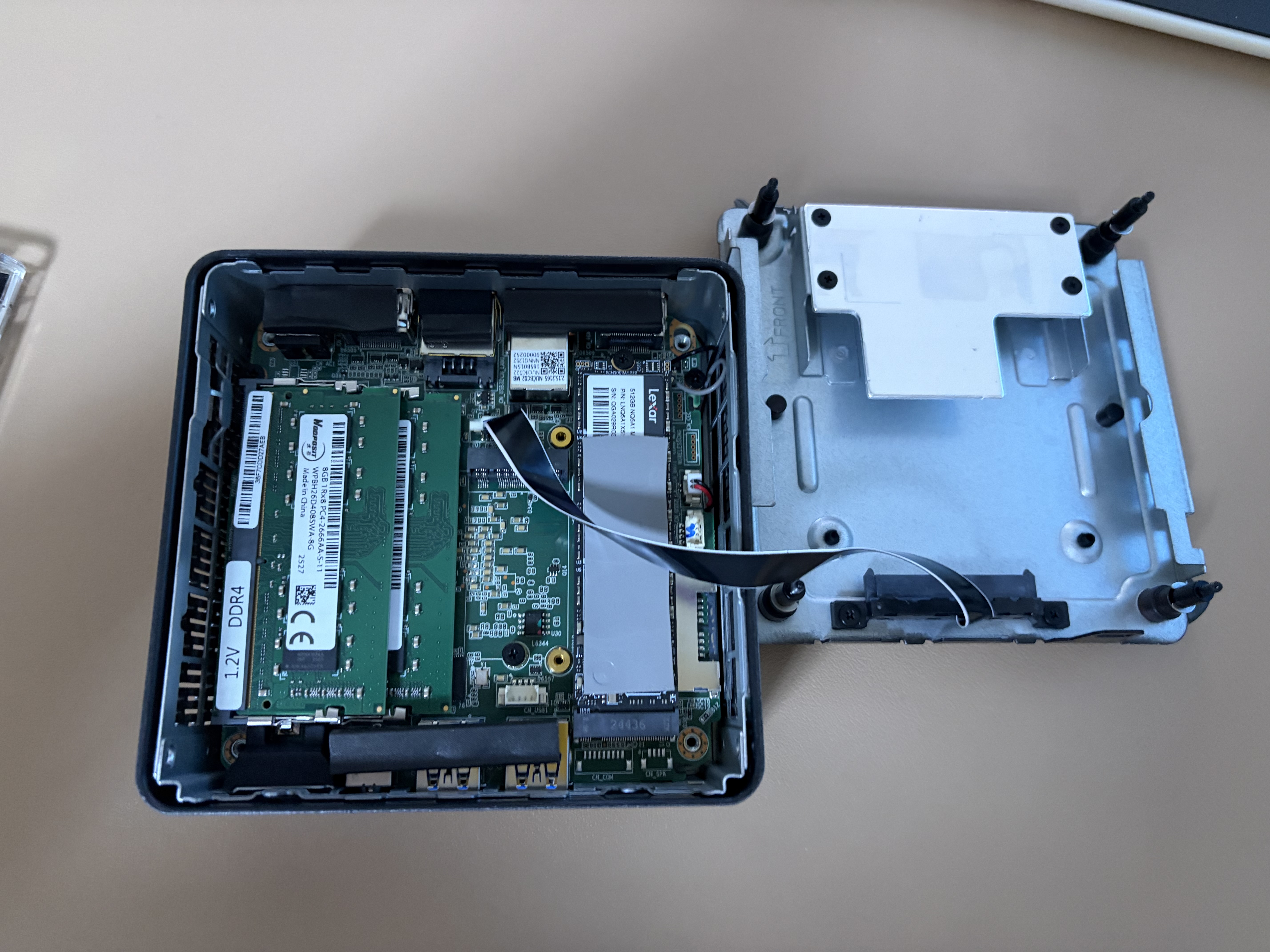
The GEEKOM A5 turned out to be an excellent base not only for office tasks but also for a home server. Especially if you’re tired of noise, excess hardware, and endless compromises like I was.
📋 Full GEEKOM A5 Technical Specifications
Main Specifications
Processor
- Model: AMD Ryzen 7 5825U
- Architecture: Zen 3
- Cores: 8 cores
- Threads: 16 threads
- Base frequency: 2.0 GHz
- Max frequency (Boost): 4.5 GHz
- TDP: 15 W
Memory
- Capacity: 16 GB DDR4
- Type: DDR4 (dual-channel)
- Expandable to: up to 64 GB
- Slots: 2 SO-DIMM DDR4 slots
Storage
- Capacity: 512 GB SSD
- Type: NVMe PCIe 3.0 M.2 2280
- Expandable to: up to 2 TB
- Slots: 1 M.2 2280 PCIe 3.0 slot
Graphics
- Integrated GPU: AMD Radeon Vega 8
- GPU cores: 8
- Video support:
- H.265/HEVC decoding
- 4K video playback
- Support for up to 4 monitors simultaneously
Ports and Interfaces
USB Ports
- USB-C 3.2 Gen 2: 1 port (with DisplayPort support)
- USB-A 3.2 Gen 2: 4 ports
- USB-A 2.0: none
Video Outputs
- HDMI 2.0: 2 ports (4K@60Hz support)
- USB-C DisplayPort: 1 port (via USB-C 3.2 Gen 2)
- Connection support: up to 4 monitors simultaneously
Network Interfaces
- Ethernet: 2.5 Gigabit Ethernet (RJ-45)
- Wi-Fi: Wi-Fi 6 (802.11ax)
- Bluetooth: Bluetooth 5.2
Other Ports
- SD card reader: SD/SDHC/SDXC support
- Audio output: 3.5 mm combo jack (headphones/microphone)
Operating System
- Pre-installed OS: Windows 11 Pro
- License: Windows 11 Pro (included)
Physical Characteristics
- Dimensions: 112 × 112 × 38 mm
- Weight: 500 g
- Case material: metal (aluminum)
- Color: black/silver
- Cooling: active (fan)
Power
- Power supply: external power adapter
- Adapter power: 65 W
- Power connector: USB-C (PD) or separate DC connector
Performance
Computational Performance
- Excellent performance for office tasks
- Good performance for web browsing and multitasking
- Support for light video and image processing
- Energy efficient for long operation
Graphics Performance
- Smooth 4K video playback
- Support for light and indie games
- Excellent performance for multimedia content
Warranty and Support
- Warranty: 3 years
- Support: official GEEKOM support
- Online store: GEEKOM official site
💾 GEEKOM A5 Advantages
- ✅ Compact size — takes minimal desk space
- ✅ High performance — AMD Ryzen 7 5825U provides excellent performance
- ✅ Flexible connectivity — support for up to 4 monitors simultaneously
- ✅ Fast boot — SSD provides fast system and app loading
- ✅ Modern tech — Wi-Fi 6, Bluetooth 5.2, USB-C
- ✅ Quiet operation — efficient cooling system
- ✅ Easy to upgrade — access to memory and SSD slots
🎯 GEEKOM A5 Use Cases
- 🏢 Office work — ideal for documents, spreadsheets, presentations
- 🎓 Education — great for students and educational tasks
- 🏠 Home media center — 4K video and multiple monitor support
- 💻 Development — suitable for web development and light coding
- 🖥️ Home server — excellent base for Docker, VMs, and file storage
- 📺 Digital signage — compact size makes it ideal for advertising screens
- 🎮 Light gaming — support for indie and older games
Useful links:
- 🌐 Official device page
- 📊 Ryzen specs review in mini PCs
- 🌐 GEEKOM official site
- 🛒 GEEKOM A5 in store
- 📖 Documentation and support
To be continued — in future articles I’ll cover DAS, filesystem, and chosen software.